GPORTAL FAQ
Genre:
Support
Studio:
GPORTAL
Publisher:
GPORTAL
Two-factor authentication (2FA) for your GPORTAL account
Protecting an account with a password is very important, but the modern Internet landscape shows that this is (unfortunately) not always enough when malicious fellows try to break into other people’s accounts.
For this reason, we provide all our users with the option to secure their account with two-factor authentication (2FA).
Where can I find the 2FA?
- Log in to your GPORTAL account
- Click on the credit card icon at the bottom left
- Now click on the blue icon to the left of the credit card symbol.
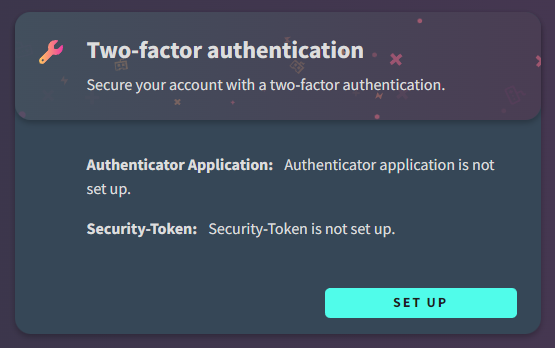
- Now you should already see the tile with the 2FA in the lower right corner
- Click on “Setup” and follow the displayed steps to set up the 2FA for your account and to protect it even better from unauthorized access