Hytale
Rent a Hytale Server
Rent a Hytale Server
Genre:
Survival-RPG
Studio:
Hypixel Studios
Publisher:
Hypixel Studios
How do I join my Hytale server?
Below, we will show you step by step how you can easily join your Hytale GPORTAL server.
- After you have rented your server and, if desired, entered a password in the basic settings (we recommend doing this), start your server (if you haven’t already done so) using the button at the top right of the web interface
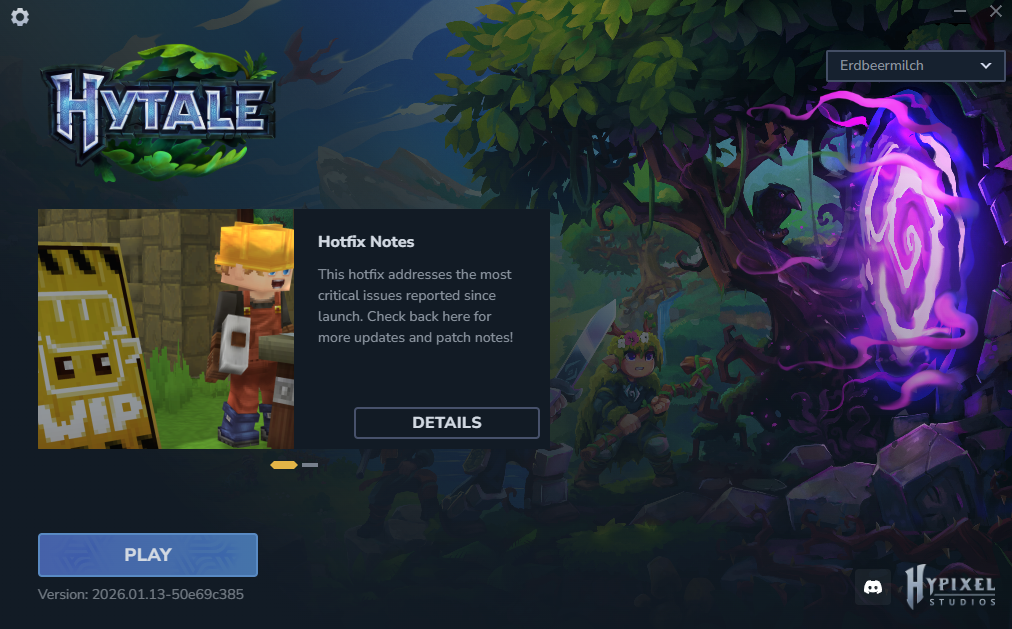
- Now start the Hytale launcher and press “Play”
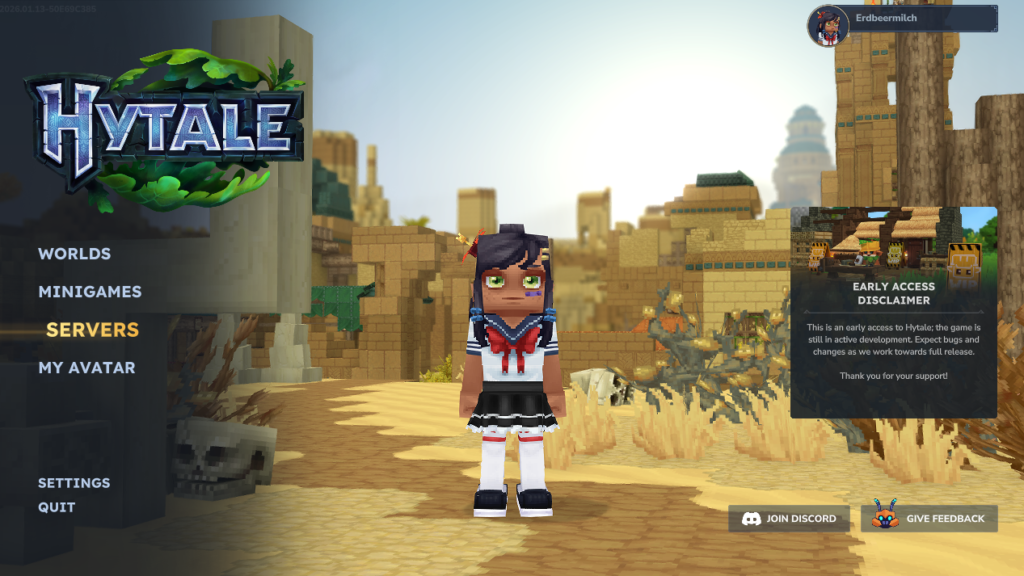
- Now click on “Servers” in the game
- Don’t forget to customize your avatar beforehand so you can play in style 🙂
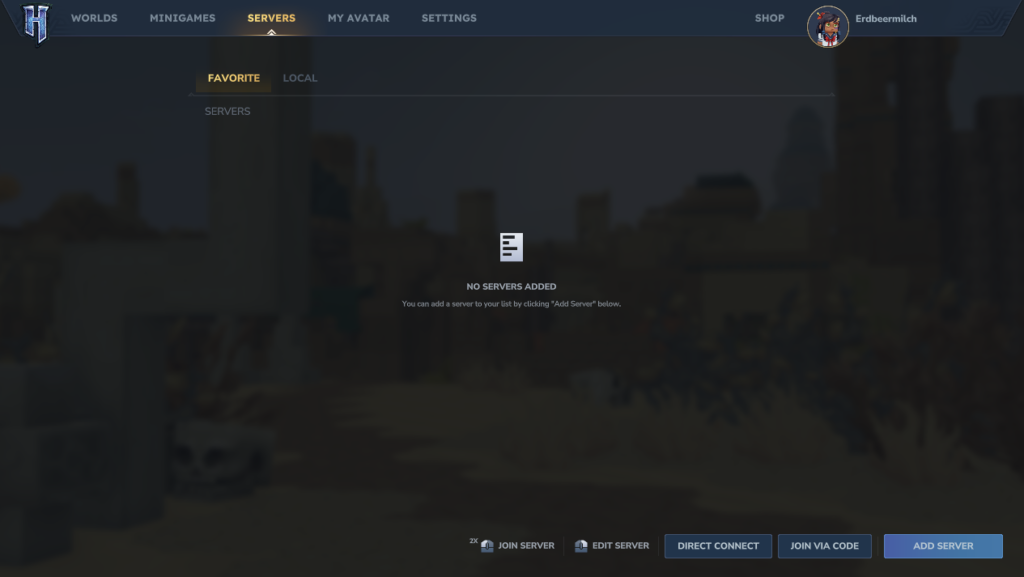
- In the next window, click “Add Server” in the lower right corner
- An input mask for the server address will now open
- Enter your server data there accordingly and then click on “Add Server”
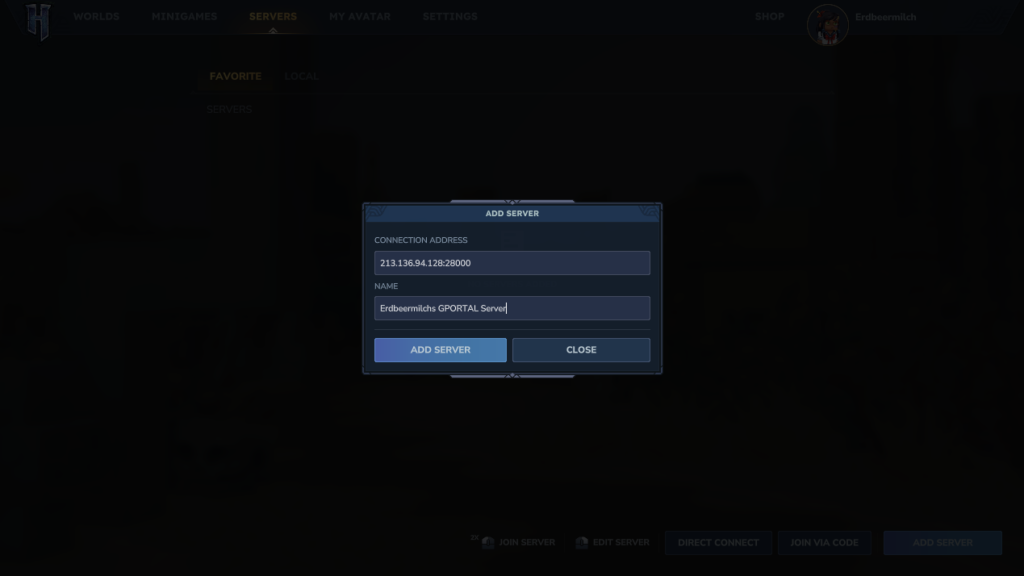
- IMPORTANT: You can find the IP/port directly in the web interface
- Simply hover over it with the mouse and copy
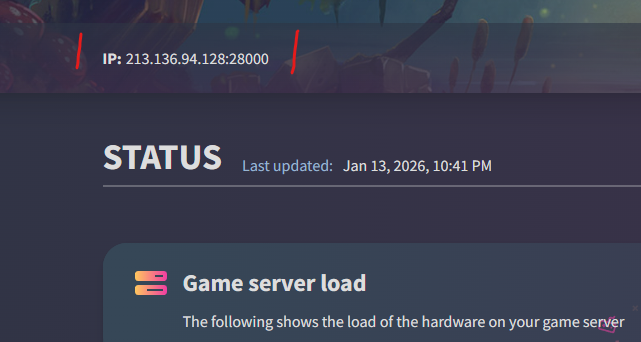
- Once you have added your server to the server list in the game, you can double-click on it and you’re ready to go
We hope you enjoy Hytale!


