7 Days To Die
Rent a 7 Days To Die Server
Rent a 7 Days To Die Server
Genre:
Survival
Studio:
The Fun Pimps
Publisher:
The Fun Pimps
7 Days To Die Server – Create Backups
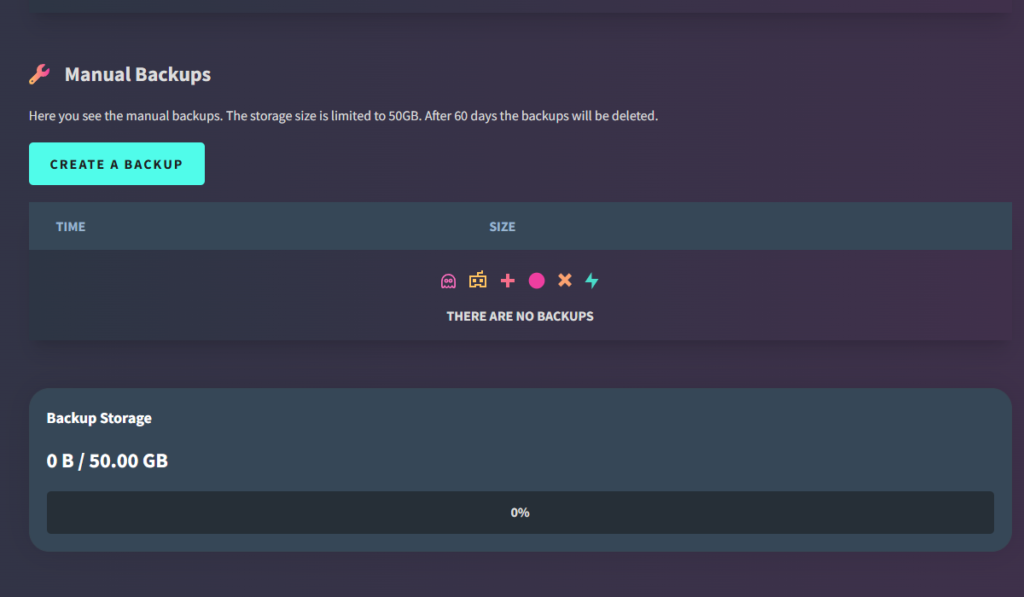
With your GPORTAL 7 Days to Die server, you can create backups if you wish. You receive free storage space for saving your game play.
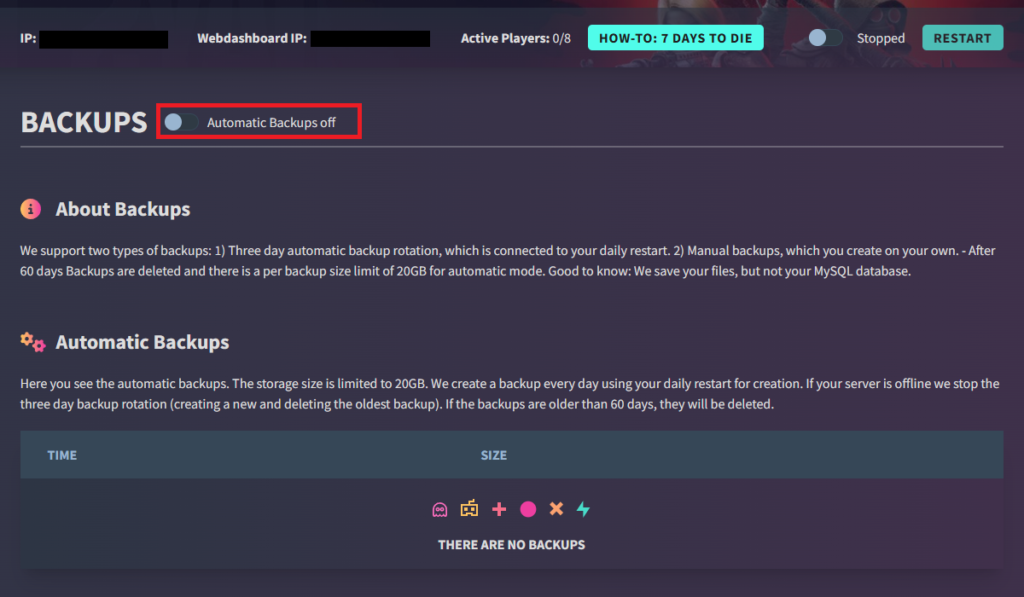
Note Please note that backups are not created automatically.
How to create a backup via the web interface:
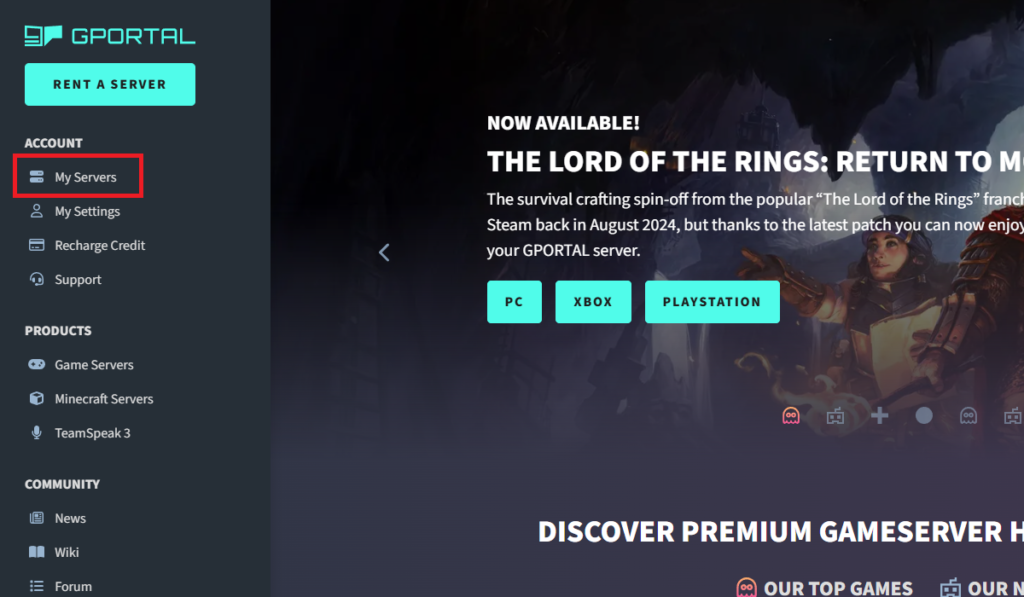
- Log on to our website
- Click on “My Servers” in the menu on the left
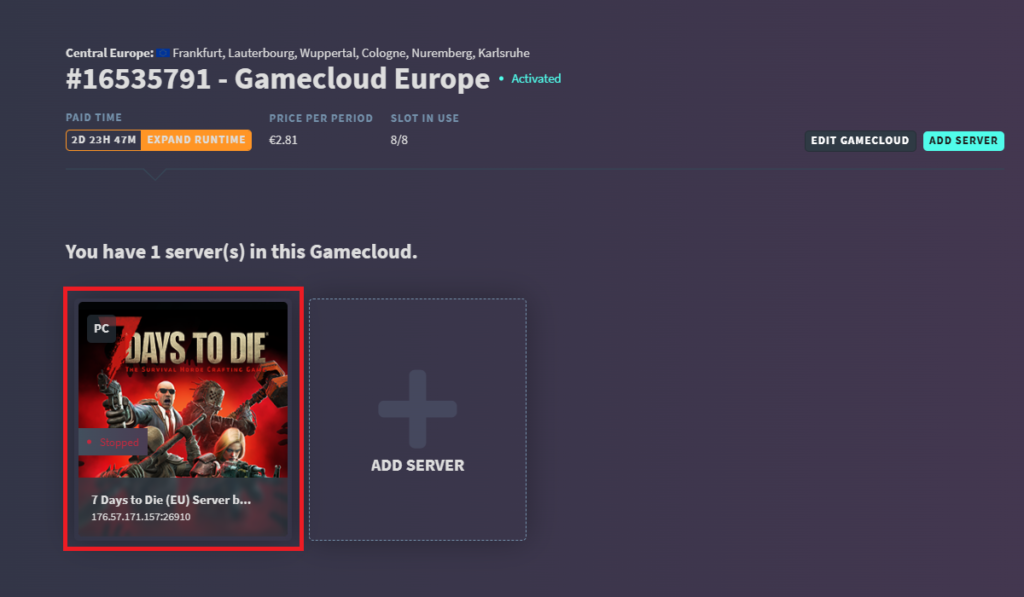
- Select the server
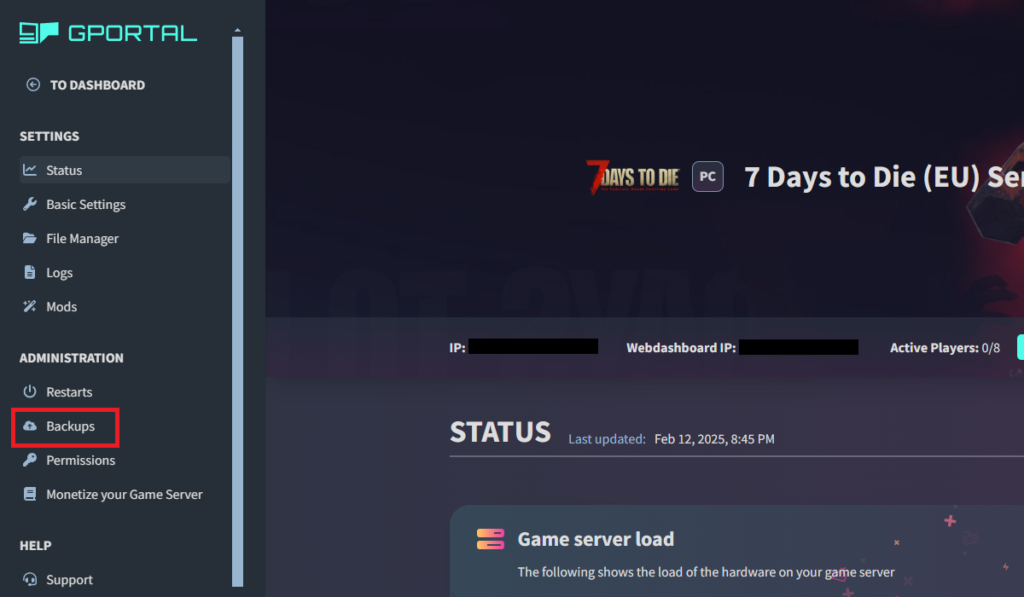
- Click on “Backup” in the “Administration” menu on the left
- Now you can see all your backup options
- The server stops for the backup creation
- After creating the backup, the server restarts automatically
- Alternatively, click on “Restart“
similar articles

7 Days To Die
7 Days To Die – How to delete a player from the server


7 Days To Die