Farming Simulator
Rent a Farming Simulator Server
Rent a Farming Simulator Server
Genre:
Simulation
Studio:
GIANTS
Publisher:
GIANTS
Farming Simulator 22: Connect to a server
How do I connect to the FS Server?
The instructions on how to connect to your LS server apply to the following Farming Simulator versions: FS 22, FS 19, FS 17, FS 15, FS 13.
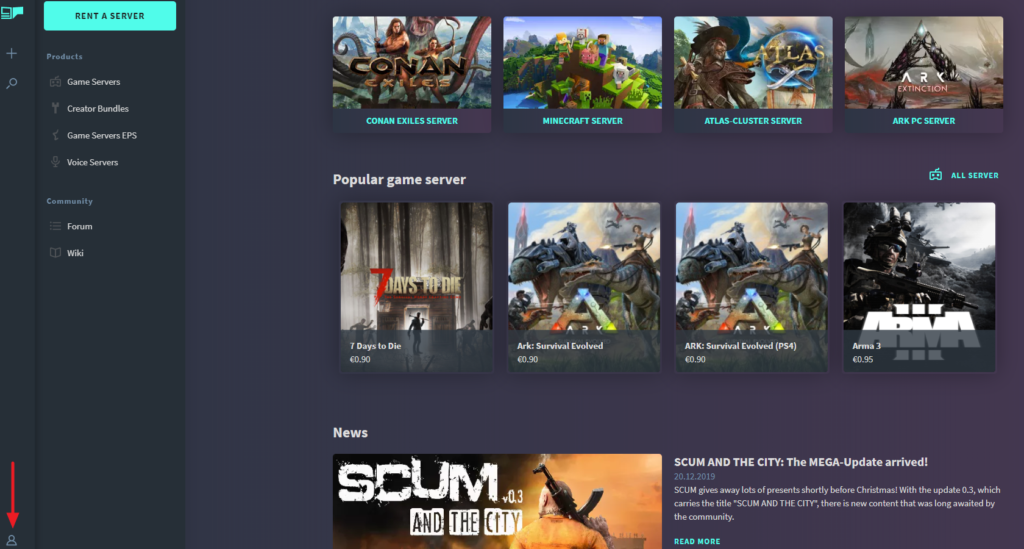
- Log on with your GPORTAL account
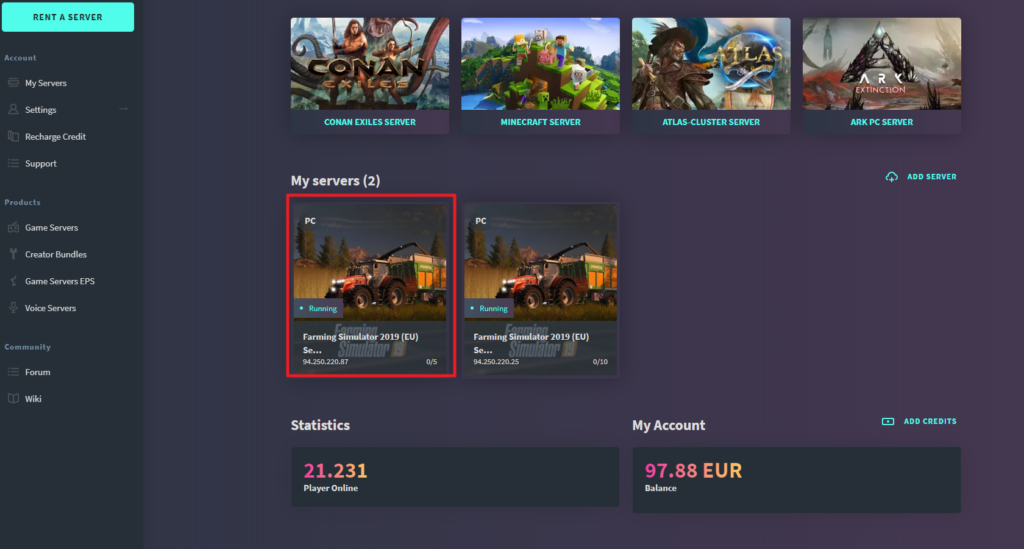
- Select the server
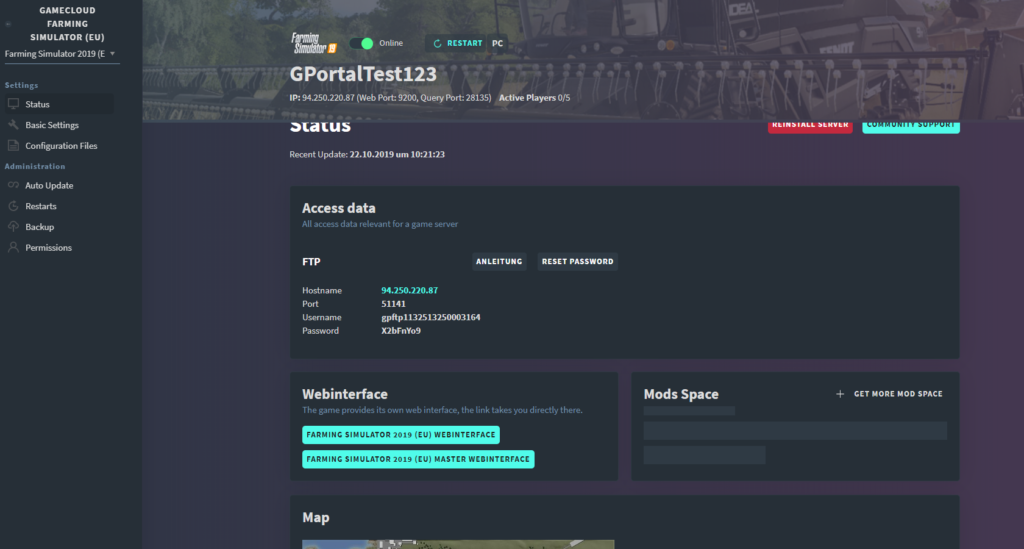
- Click on “Status” in the menu on the left
- Click on the link to FS web interface
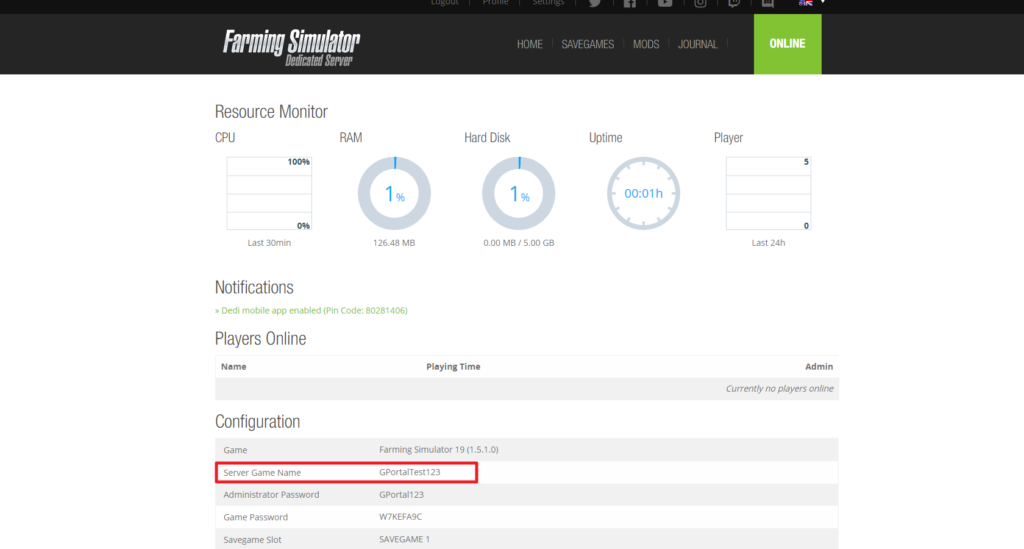
- Make a note / change the server name
- Start the game
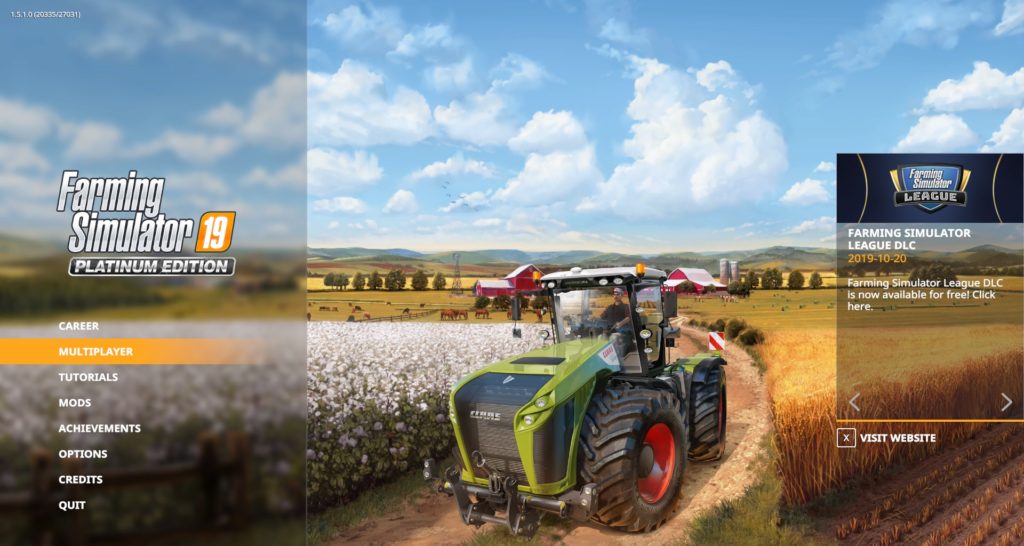
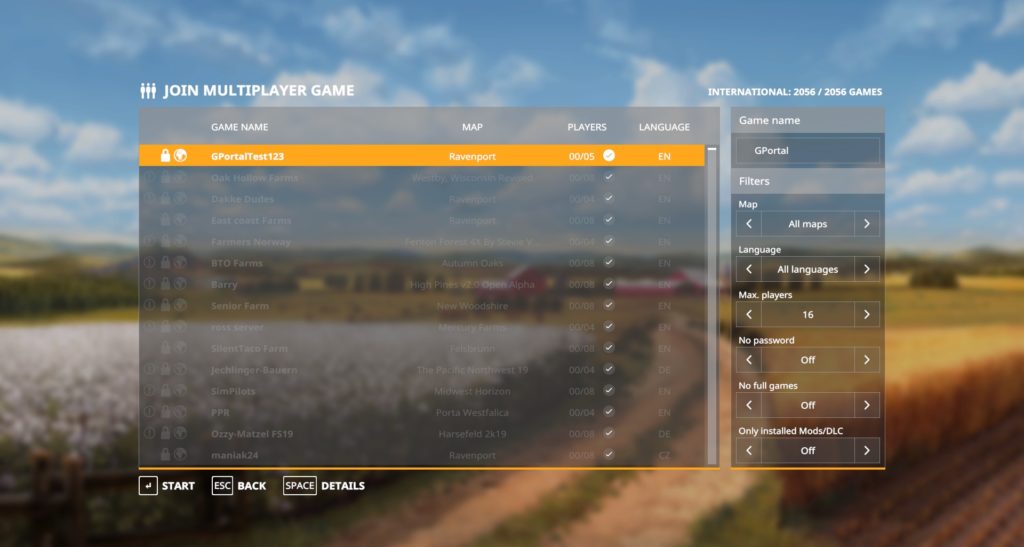
- In the game, search under “Multiplayer” for the server name
- Click on Start to connect
similar articles

Farming Simulator
Farming Simulator 22: Create backup

Farming Simulator
FS: How do I become Admin InGame?

Farming Simulator