Farming Simulator
Rent a Farming Simulator Server
Rent a Farming Simulator Server
Genre:
Simulation
Studio:
GIANTS
Publisher:
GIANTS
Farming Simulator: How do I buy more modspace for my server?
You want to upload more mods for Farming Simulator? No problem! Here we explain how you can buy more modspace for your FS server.
- Log in to the GPORTAL interface and select your Farming Sim server
- Click on the “Status” tab on the left side
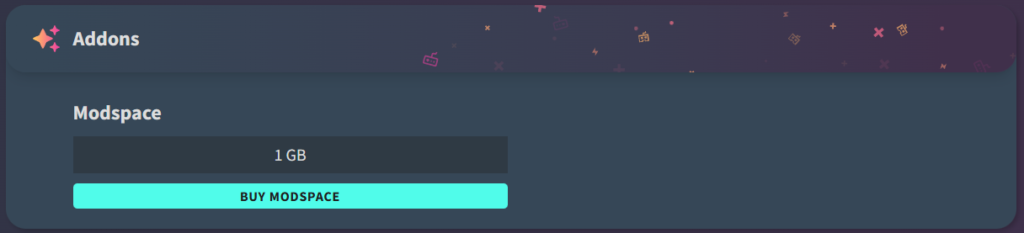
- Now scroll down a little further and you will see the “Addons” window with the option to purchase additional Modspace
Important: Additional Modspace can only be purchased with “Credits” (account balance). If you decide to do so, please first add some funds to your GPORTAL account.
You can install mods for the following versions of Farming Simulator at GPORTAL: FS25, FS 22, FS 19, FS 17, FS 15, FS 13. How to install mods, you can read in our article Farming Simulator: Install Mods.
similar articles

Farming Simulator
Farming Simulator 22: Create backup

Farming Simulator
Farming Simulator 22 – Crossplay

Farming Simulator